Night sky frame planner
NebulaFrame
Frame the Milky Way, Moon, and deep-sky targets in your lens before you leave home.
Plan your shot in three moves
From dark-sky site to viewfinder preview — everything an astrophotographer needs before stepping outside.
-
Pick location, date, and gear
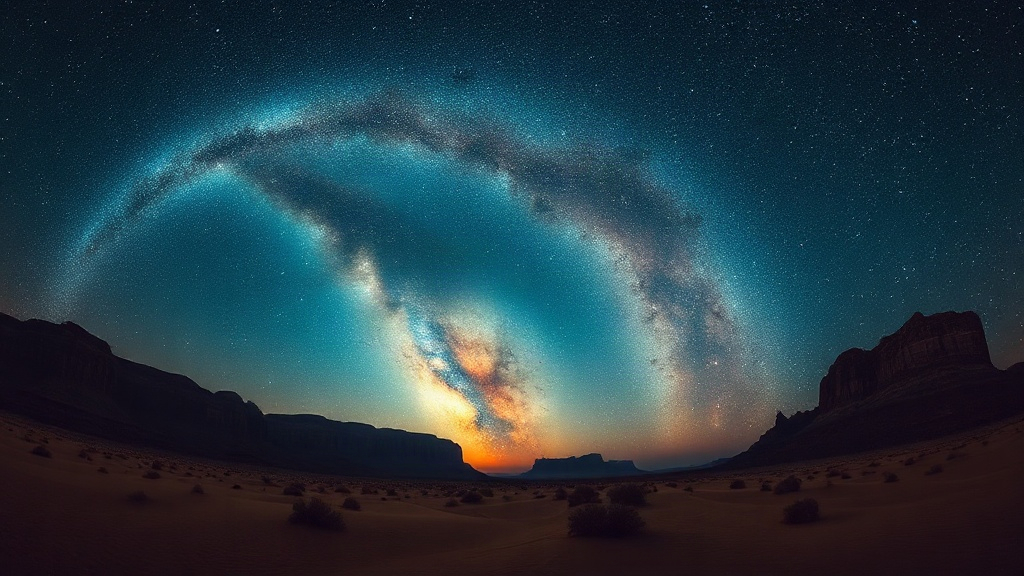
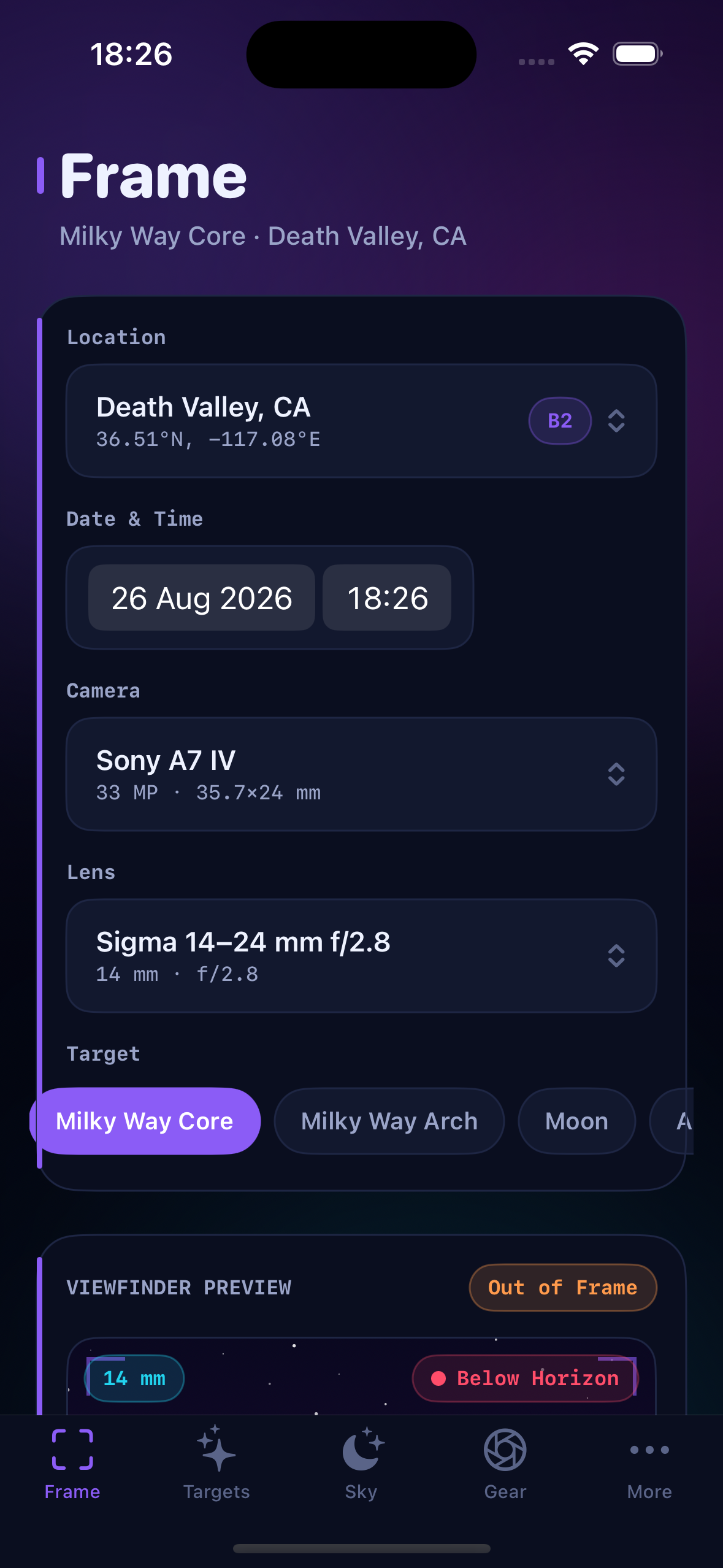
Choose a dark-sky site with Bortle ratings, your shoot date, camera body, and lens — then select Milky Way core, Orion Nebula, Andromeda, Moon, or a custom sky point.
-
See your target in the viewfinder
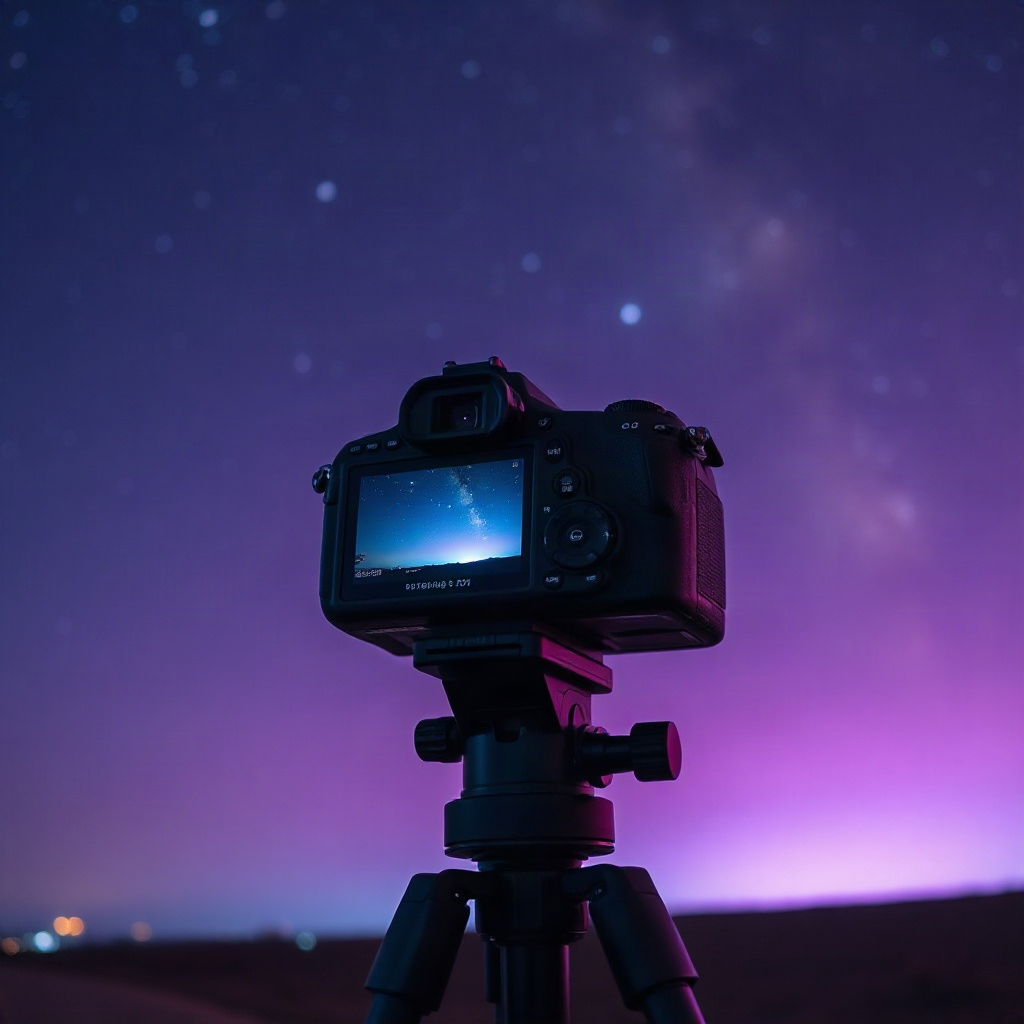
Dial camera azimuth and altitude or tap Align to Target. The live preview shows horizontal and vertical field of view, in-frame coverage, and a 500-rule exposure suggestion.
-
Catch the peak window
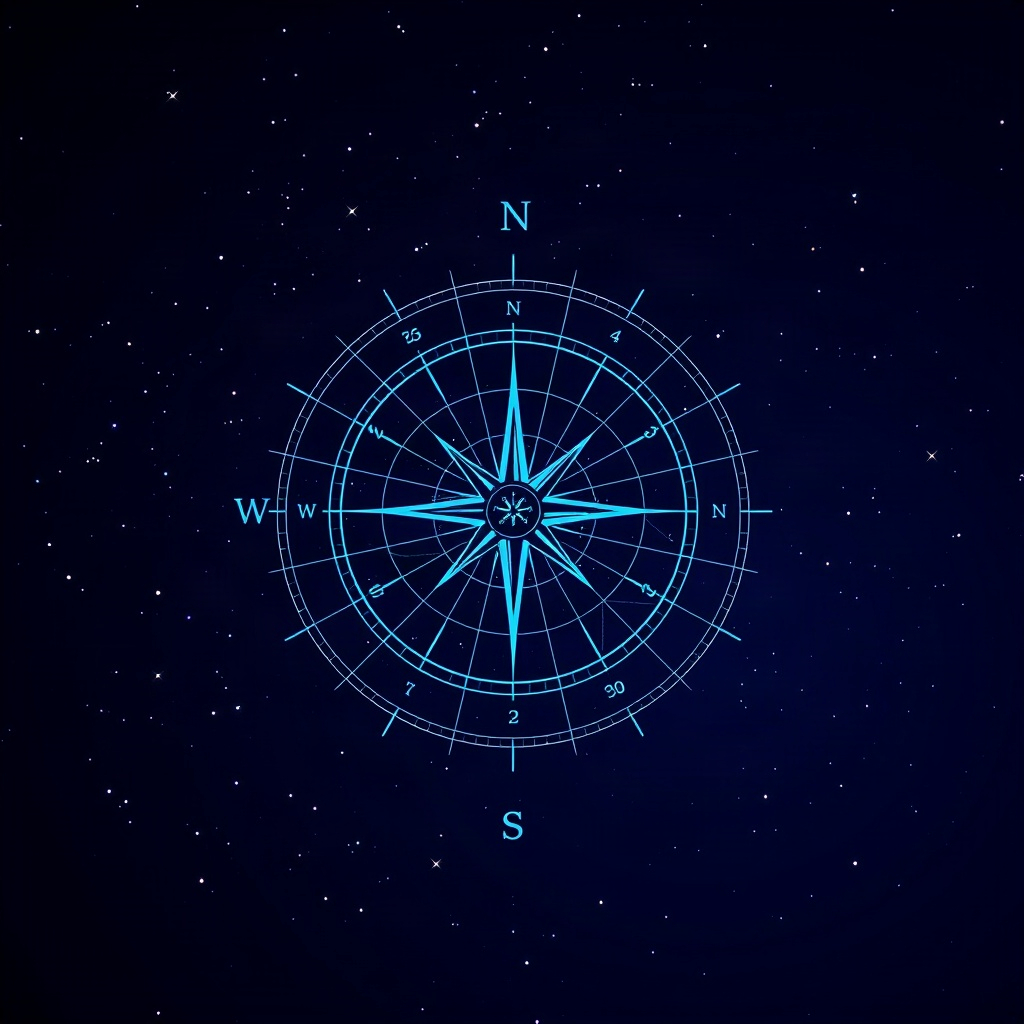
Sky charts altitude arcs and compass positions over twelve hours. Tap a best viewing window to jump into Frame with the right moment, then save Plans for one-tap reload.
Inside the app
Frame preview with FOV coverage and Sky altitude arcs — built for iOS 16 and later.
Built for field nights
Six tabs — Frame, Targets, Sky, Gear, Plans, and Learn — with eight deep-sky objects, shooting tips, and field guides on exposure and composition.